 OmniViz
 Features
Load control
Switch the controller's load output on or off, or let it follow the light or a timer.
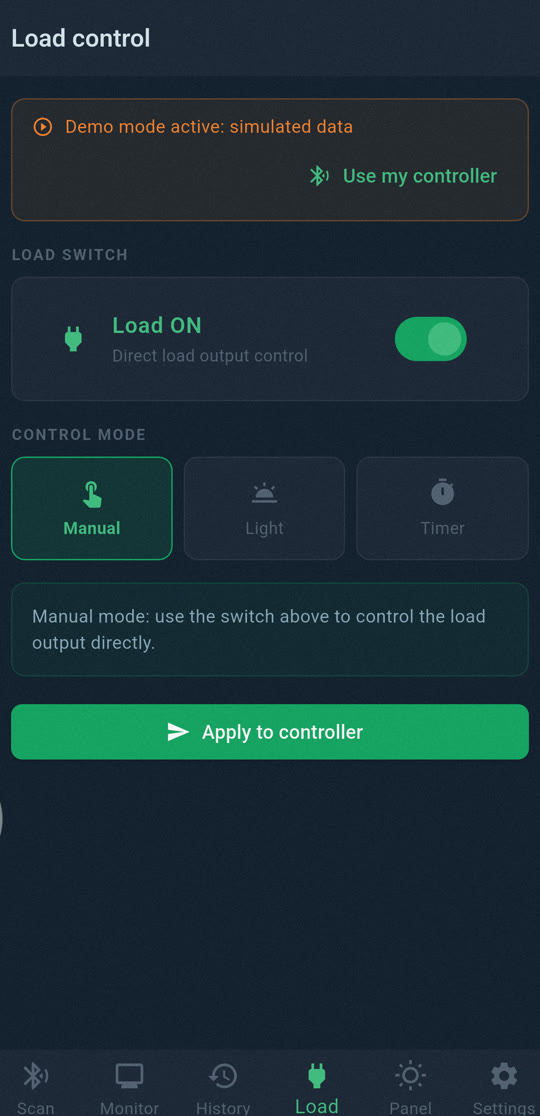
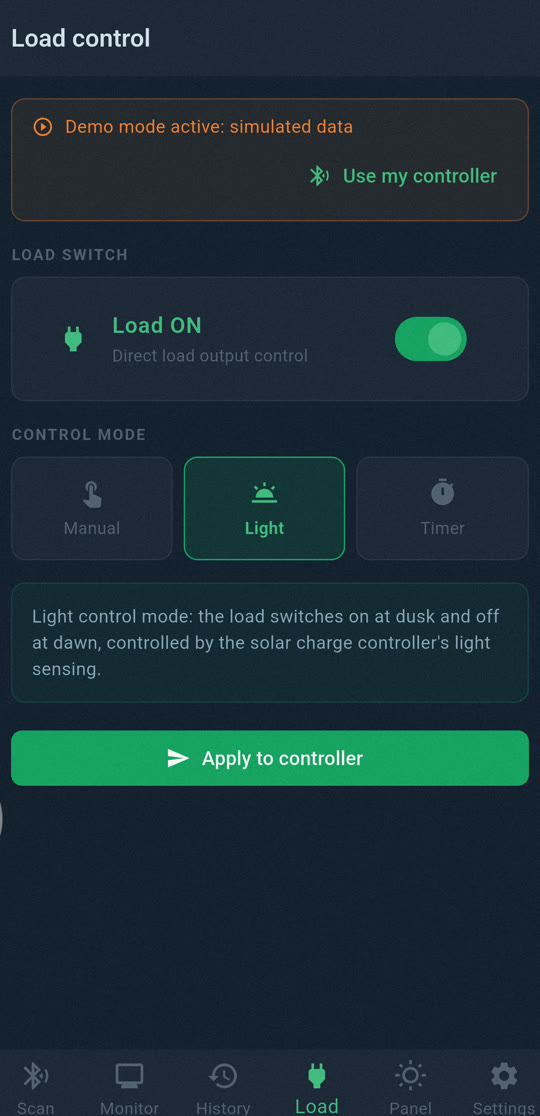
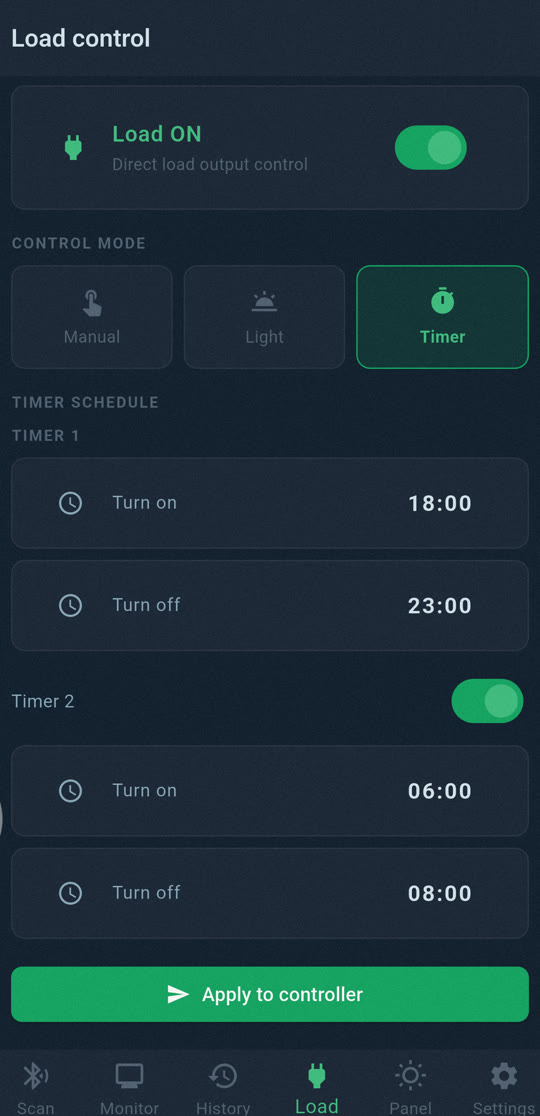
The load output
Epever controllers have load terminals that can power lights, a fridge or a control box, and protect the battery by cutting them when the voltage gets too low. OmniViz Solar lets you switch that output from your phone, from the Monitor screen or the energy flow diagram.
Every switch asks for confirmation and then waits for the controller to report the new state, so you know it really happened. Remember that anything powered by the load output stops when you switch it off.
Automatic modes
In Expert mode, the Load screen sets how the controller drives the output on its own:
- Manual: on or off, as you decide.
- Light: on from dusk to dawn, using the panels as a light sensor. Ideal for outdoor lights.
- Timer: one or two on/off times per day.