 OmniViz
 Features
Simple or Expert
Keep it simple with the essentials, or switch to Expert mode for every setting.
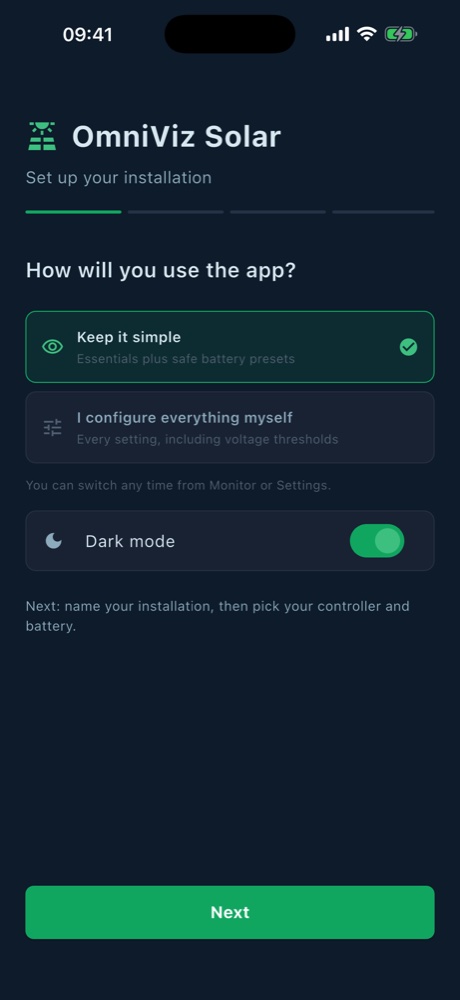
Two ways to use the app
At first launch, OmniViz Solar asks how you will use it. You can switch at any time with one tap on the Monitor screen, or in Settings.
- Keep it simple: the battery gauge, the energy flow, today's energy, the load switch, the daily chart and safe battery presets. Everything you need, nothing that could go wrong.
- I configure everything myself: all of the above, plus every voltage threshold, load modes and timers, detailed cards, the event log, CSV export and the panel health check.
Safe by default
Simple mode only lets you send validated battery presets to the controller. Expert mode opens every setting, still checked against Epever's rules and backed up before each change.
You also choose dark or light mode, and the app speaks 14 languages.